Raises and promotions, recorded properly and paid on time.
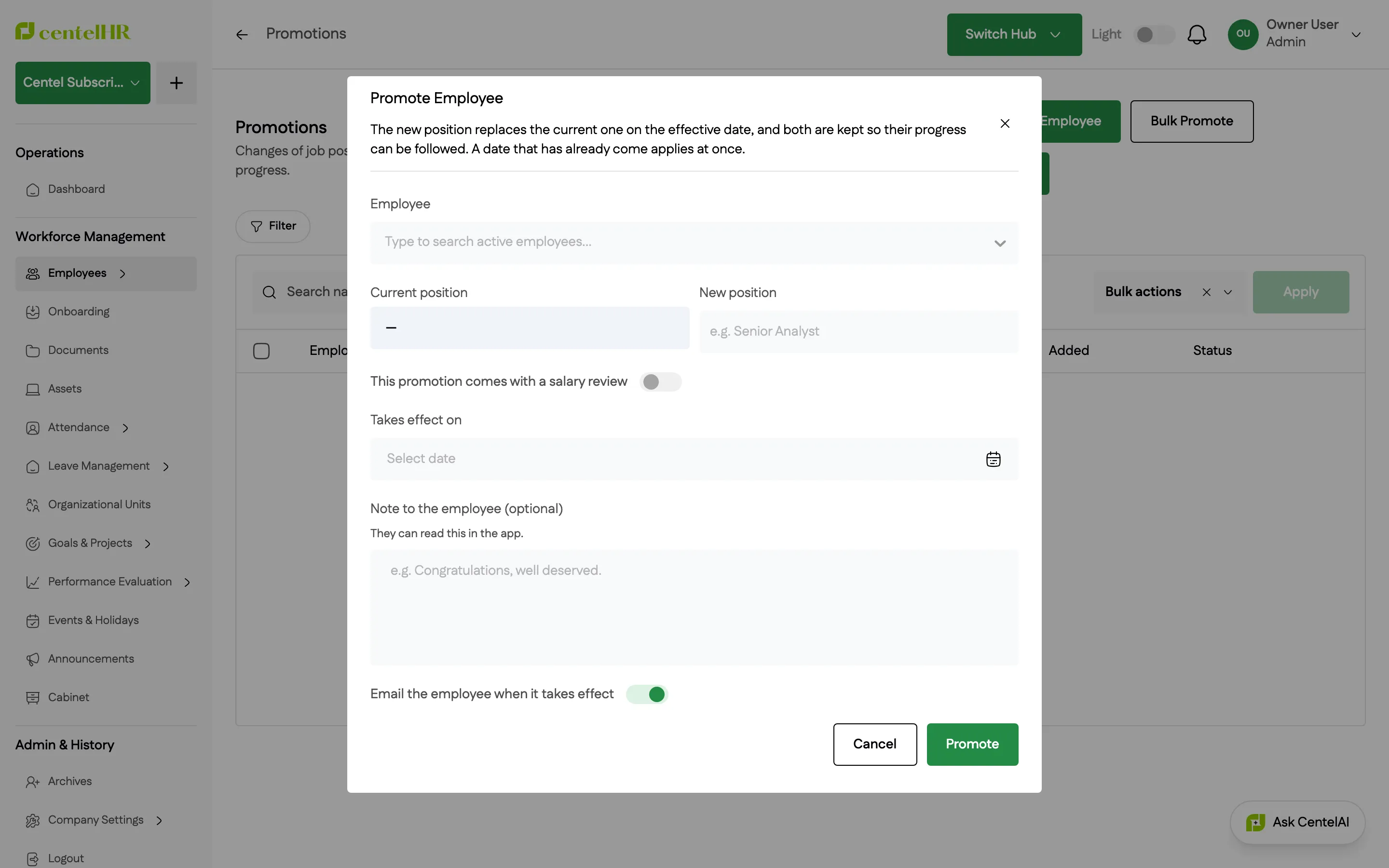
Give one person a promotion or the whole company a 10% raise. It takes effect from the month you choose, payroll picks it up, and the history stays on the record.
What changes with Centel
One or everyone
Review one salary, or use Bulk Review or a spreadsheet to apply a percentage to many people at once.
Effective from a month
Reviews start on the 1st of a month and payroll uses the new pay from then.
Staff can be told
Optionally email the employee when the change takes effect.
A career history
Staff see each change in My Career in the app, and which ones came with a pay change.
Promotions and salary reviews: common questions
What's the difference between a promotion and a salary review?
A promotion changes the job position, and usually pay. A salary review changes pay only.
Can I back-date a raise?
A month that's already paid doesn't change. Pay the difference as a bonus in a later month.
Related
Make next month-end the easy one.
Bring your team in from a spreadsheet and see your first payroll before you pay for anything.