Every employee's record, complete and in one place.
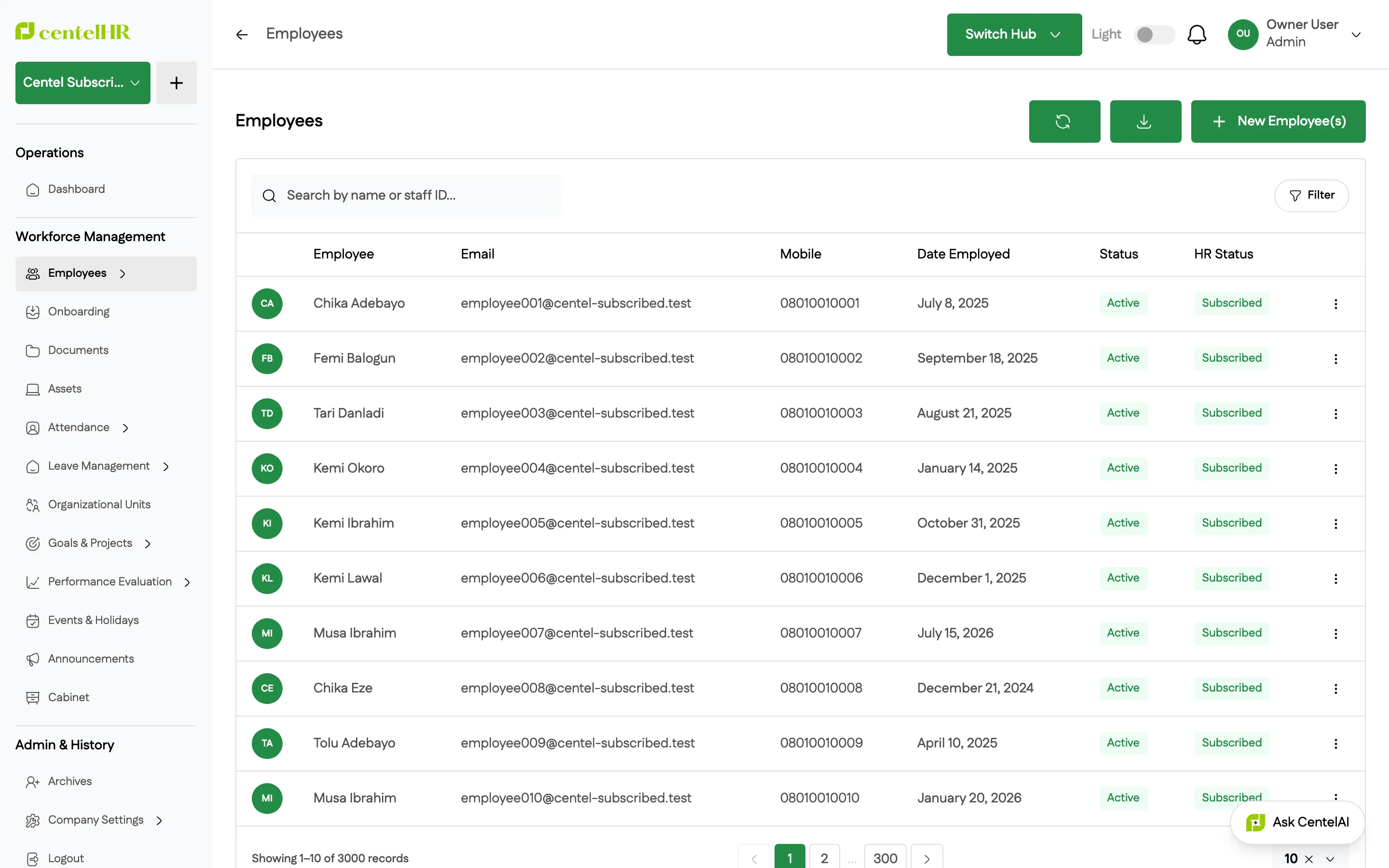
Job, department, manager, salary, documents and the laptop they're holding, on one record that every other part of Centel reads from.
What changes with Centel
Start from your spreadsheet
Import employees from Excel. CentelAI helps match your columns, and every row is checked before anything is created.
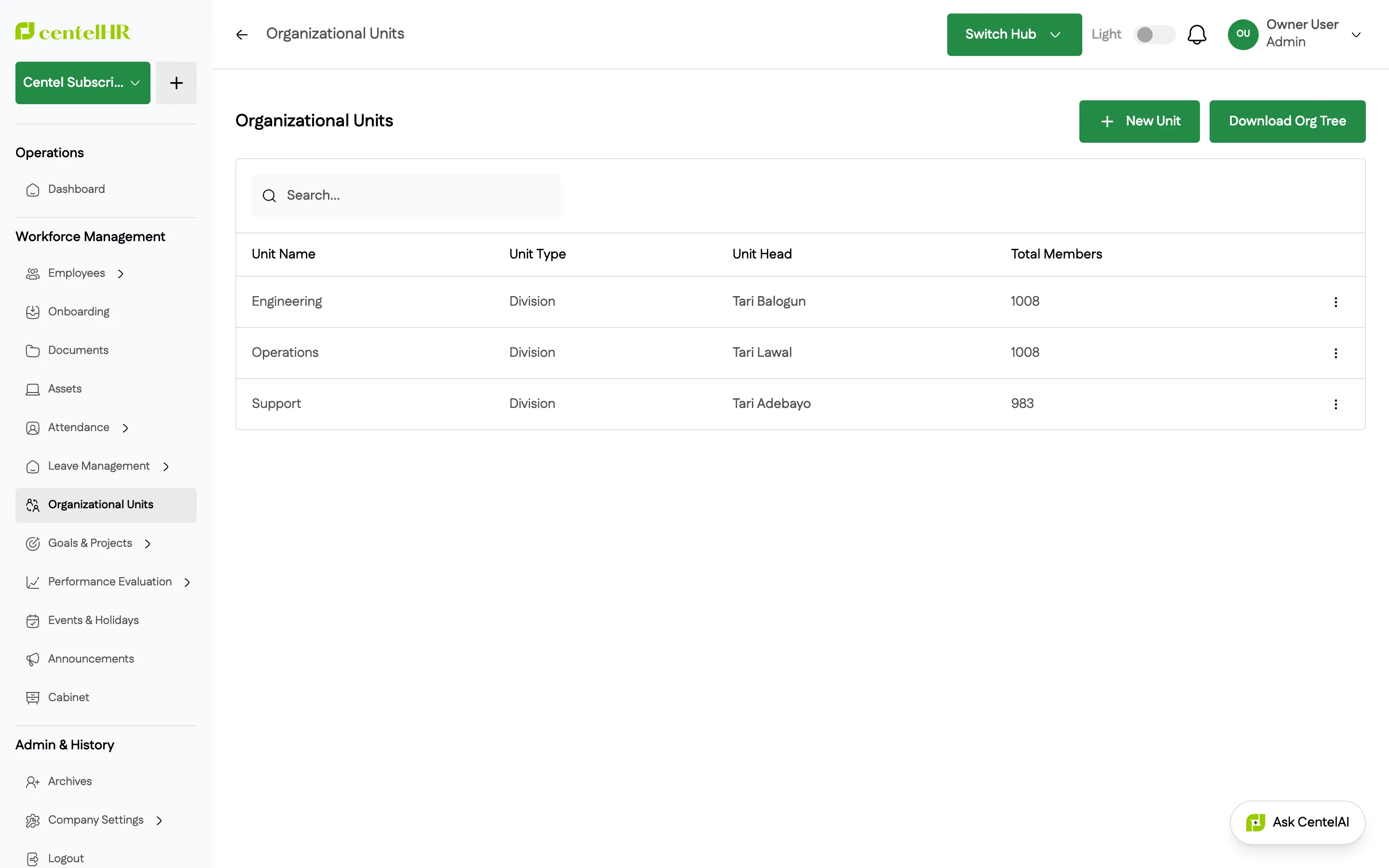
Your structure, mapped
Divisions, departments and teams with their heads, so approvals and reports follow the real reporting lines.
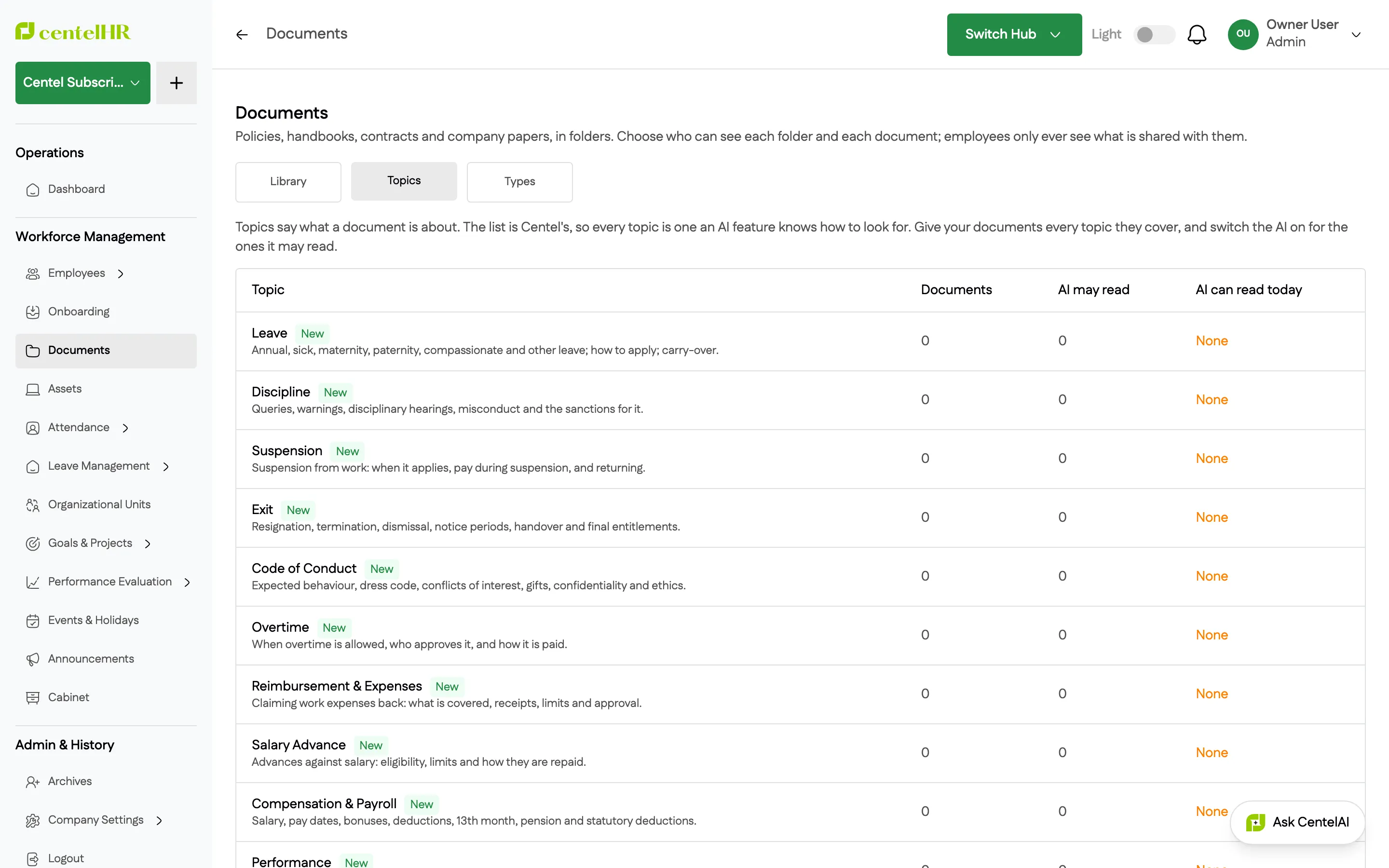
Documents with the right audience
Share the handbook with everyone, keep some files HR-only, and upload new versions without losing old ones.
Company items tracked
Record which laptop, phone or ID card is with whom, have staff confirm receipt, and see what's still out at exit.
Employee records: common questions
Do employees need the app?
No. Payroll works without it. The app is for payslips, leave, attendance, claims and the rest of self-service.
How do employees get into the app?
They're invited by email, complete registration, and HR activates them.
Does asset tracking handle stock or depreciation?
No. It records custody only, which item is with which employee and whether it came back.
Related
Make next month-end the easy one.
Bring your team in from a spreadsheet and see your first payroll before you pay for anything.