Bonuses and deductions, in payroll the moment you save them.
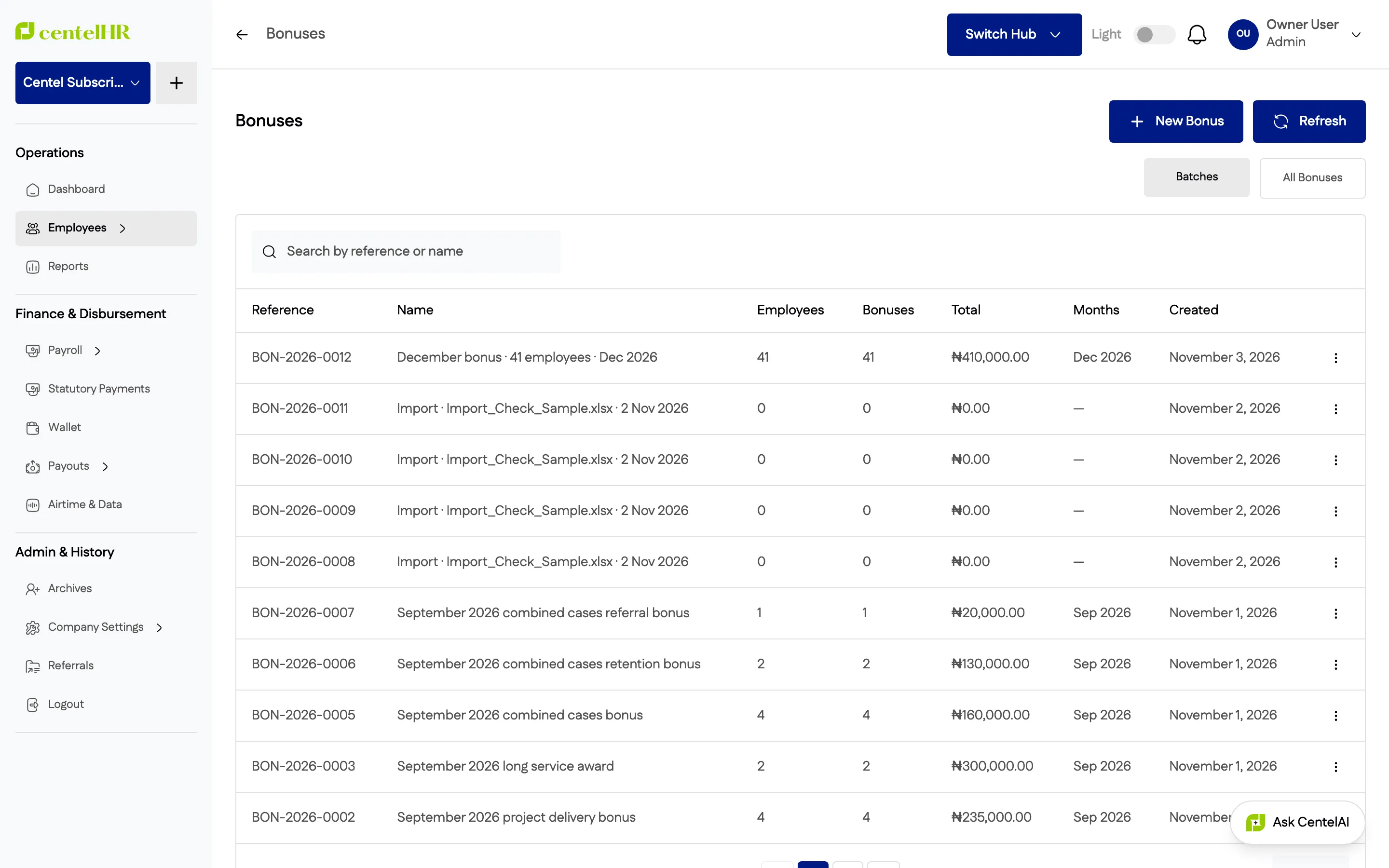
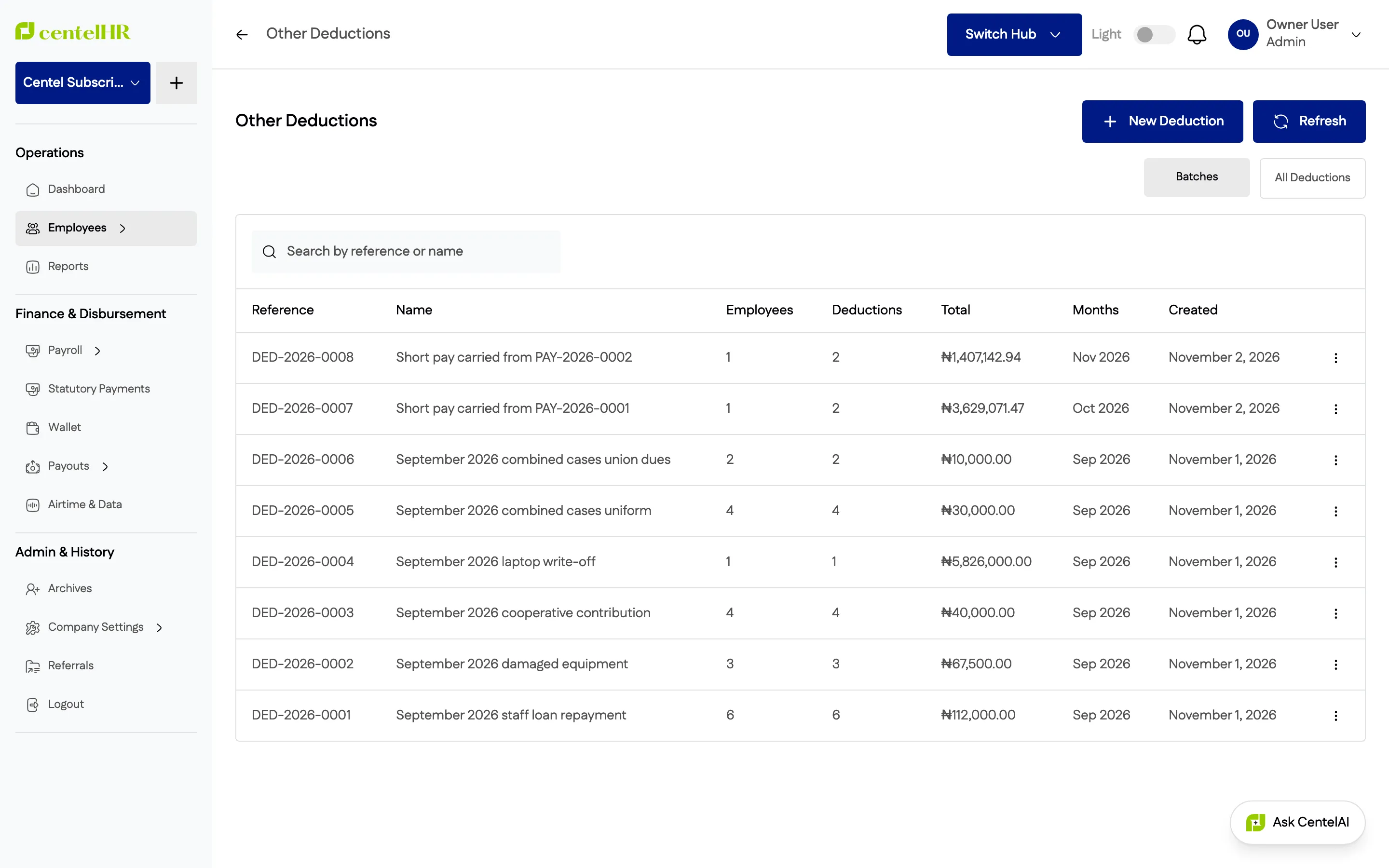
Give one person or everyone a bonus, or recover money owed, for one month or a range of months. It's in that month's payroll as soon as it's saved.
What changes with Centel
Many people, one batch
Pick several employees in one form for the same amount, or upload a spreadsheet where every row can differ.
Repeat over months
Apply a bonus or deduction over a range of months. The full amount applies every month, it isn't split.
Taxed correctly
A bonus is added to that month's gross pay, and tax and statutory deductions are worked out on the total.
Clear records
Every addition gets a batch reference (BON- or DED-) you can edit, delete or trace on the payslip.
Bonuses and deductions: common questions
Is there an approval step?
No. Adding the entry is the decision. It counts in that month's payroll as soon as it's saved.
Does the employee have to accept a bonus or deduction?
No. Employees don't apply for these and can't refuse them. They see them on their payslip.
Can I import them from Excel?
Yes. Download the template, optionally pre-filled with every active employee, fill in the amounts and upload it.
Related
Make next month-end the easy one.
Bring your team in from a spreadsheet and see your first payroll before you pay for anything.